Trio 8300

UI and GUI design for Poly's Trio 8300 — a button-interaction conference phone with a 2.5" screen, extending the touch-based experience of the Trio 8800 to a smaller, simpler device while keeping the Poly identity intact.

→ Go to Trio 8300 product page
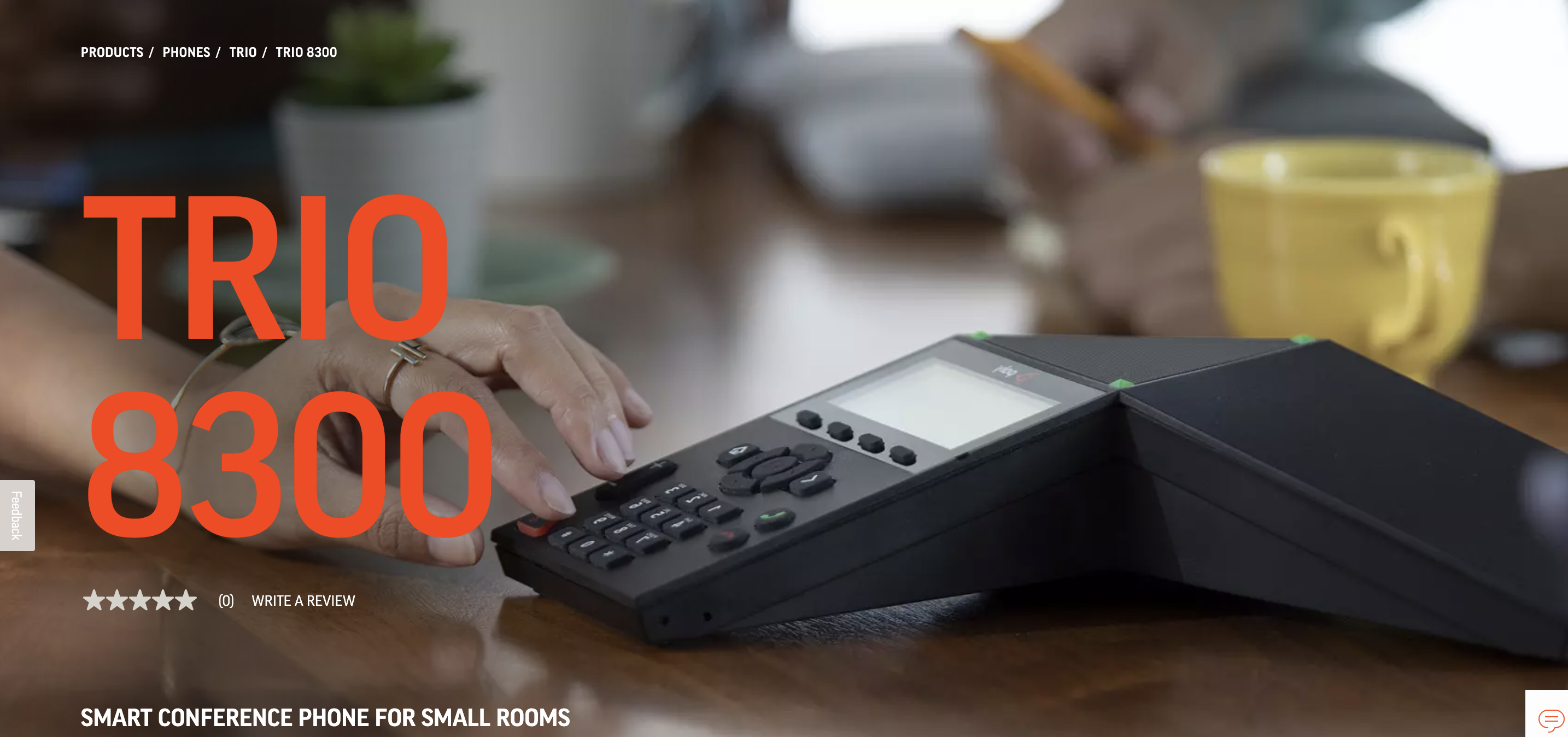
Poly Trio 8300 conference phone

Overview

The Trio 8300 needed its own UI and GUI for a button-driven, 2.5" screen — designed so the interaction model still felt like family to the touch-based Trio 8800, without borrowing a touch interface the hardware couldn't support.

Role

UX Designer

Timeline

Jul 2018 – Jun 2019

Goals

Designing for a button, not a touchscreen

  • Design the UI and GUI of a button-interaction product with a 2.5" screen
  • Base interactions on a touch-based screen product — the Trio 8800
  • Keep the designs consistent with Poly's identity

Roles

Owning the design, end to end

  • Managing the project
  • Reporting to the design team manager
  • Co-working with a developer, marketers, a product manager, and the sales department
  • Designing the UI of the product
  • Creating the usability test prototype
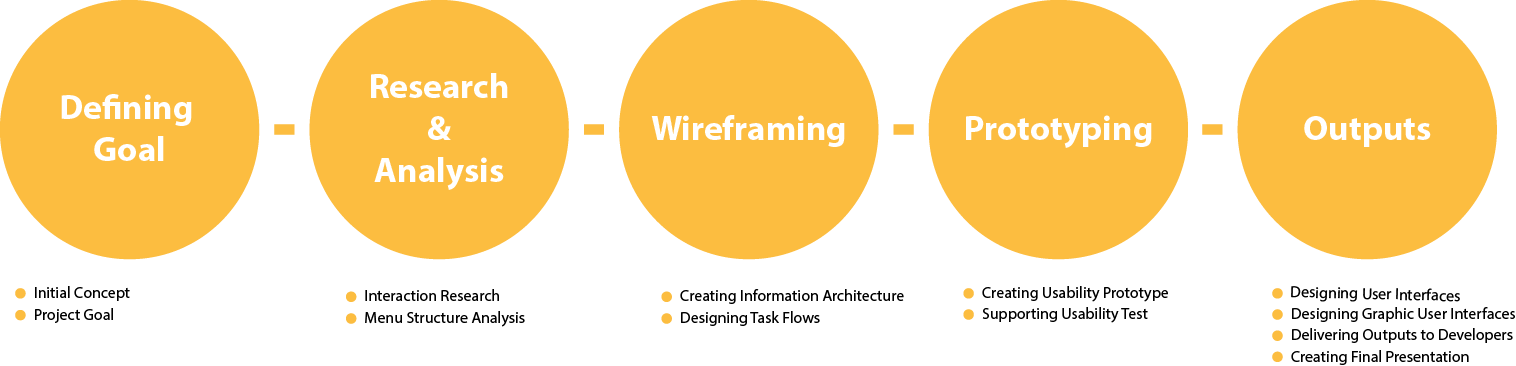
Trio 8300 design process
Design process, from concept through to final UI

Outputs

What shipped

  • User Interface Design: all screens of the Trio 8300, designed in Sketch
  • Graphic User Interface Design: library assets, icons, and components using Adobe Photoshop and Illustrator
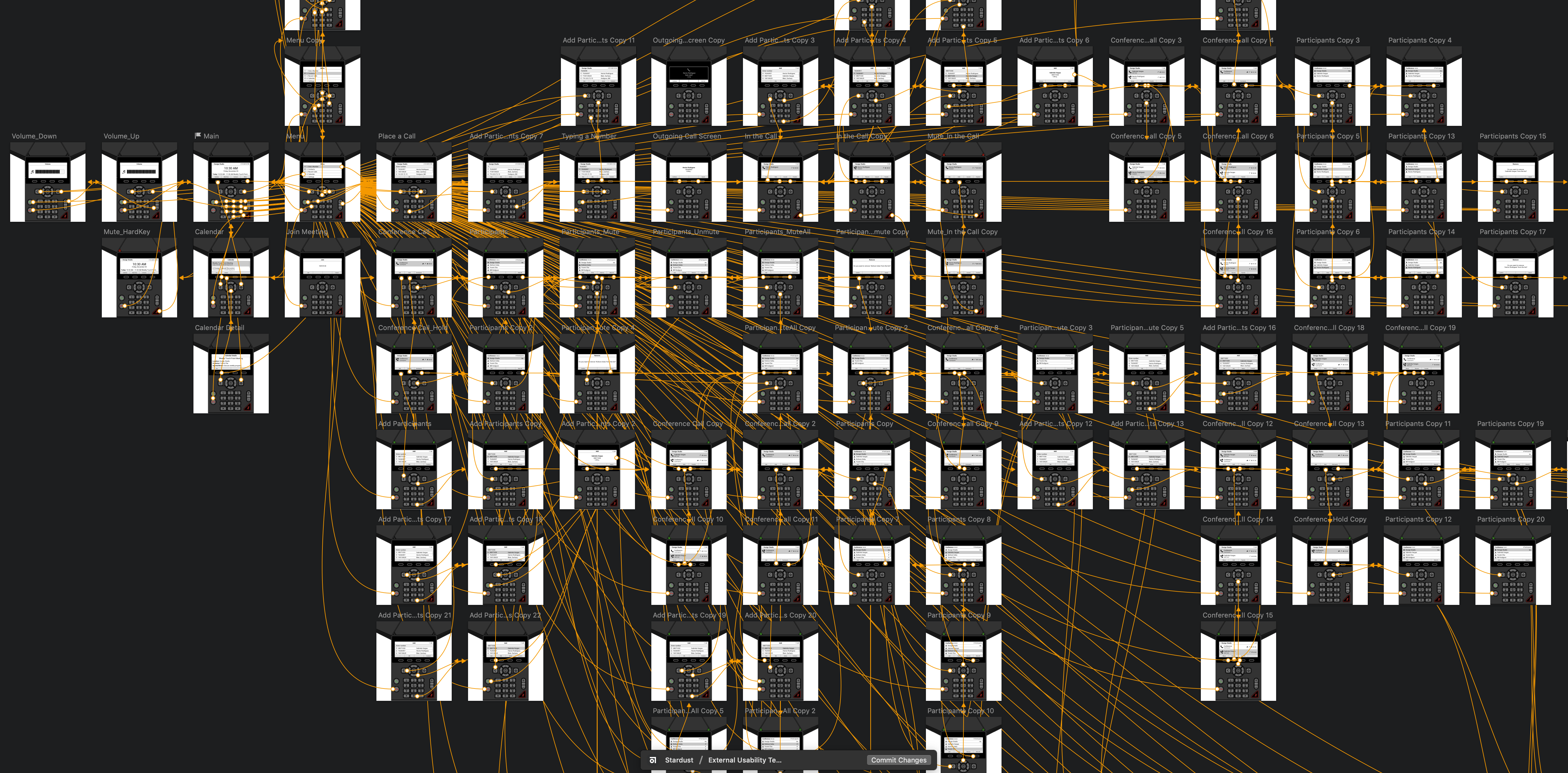
  • Prototype: a working prototype built in Sketch
  • Presentation: concept delivery file and final product introduction file
Trio 8300 Sketch prototype
Example file — Sketch prototype

Keeping a family feeling across form factors

The real constraint wasn't the smaller screen — it was making a button-driven device feel like it belonged to the same family as its touch-based sibling, without pretending it had touch capabilities it didn't.

↑ Back to Top